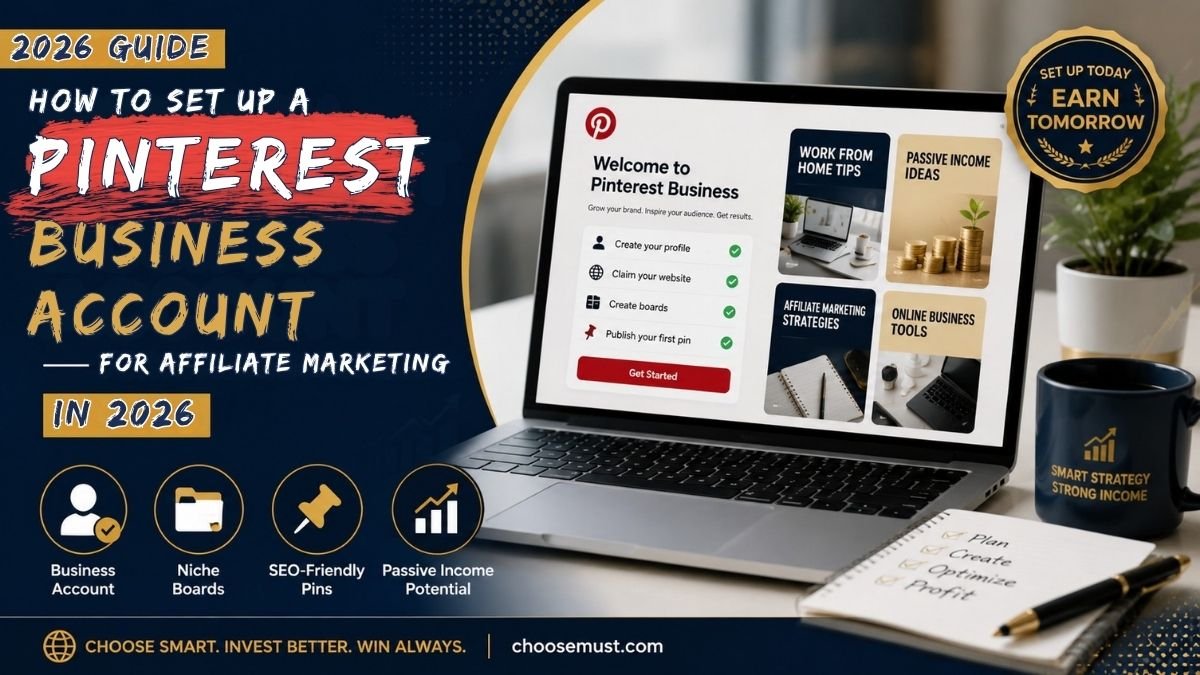
What if a single pin you created today could quietly earn you commissions six months from now, even while you sleep? That is not a fantasy. That is Pinterest affiliate marketing done right.
Most people scroll Pinterest looking for recipes, home decor ideas, or travel inspo. But a growing number of smart online earners are using it as a powerful, evergreen traffic engine that sends buyers directly to affiliate offers, no paid ads and no massive following required. The best part? You can start for free, right now, with nothing but a business account and a clear strategy.
I have spent time studying how top affiliate marketers use Pinterest in 2026, and this guide walks you through every step, from creating your business account to publishing your first profitable pin. If you want a proven system to build passive income alongside your Pinterest efforts, check out the Passive Income System 2.0, a beginner-friendly program that pairs perfectly with what you are about to learn. And if you are serious about building a full affiliate partnership business, the Millionaire Partner System offers structured training to take your commissions to the next level.
By the end of this guide, you will have a fully optimized Pinterest Business Account, niche-focused boards, and a repeatable pinning system built for consistent affiliate income in 2026.
Why Pinterest Is One of the Most Underrated Affiliate Marketing Platforms Right Now
Before we dive into the steps, here is something worth understanding: Pinterest is not just a social media platform. It is a visual search engine with over 500 million monthly active users, and those users are not casually browsing. They are planning, researching, and buying. According to Pinterest’s own business data, 85% of weekly Pinners have made a purchase based on content they found on the platform. That purchasing intent is nearly unmatched across any other social channel.
Unlike Instagram or TikTok, where a post disappears within hours, a well-optimized Pinterest pin can generate traffic and affiliate commissions for months or even years. That is what makes it such a powerful vehicle for passive income. The setup takes effort upfront, but once your pins start ranking in Pinterest search, the clicks keep coming long after you have moved on to creating something new.
This guide shows you exactly how to build that system from the ground up.
Step 1: Create or Convert to a Pinterest Business Account
The very first move is getting yourself a Pinterest Business Account. This is completely free and takes under five minutes. A business account unlocks Pinterest Analytics, Rich Pins, and Ads Manager, all tools that are essential for understanding what is working and scaling your results.
There are two ways to do this:
Option A: Convert an existing personal account: If you already use Pinterest personally, go to Settings, then Account Management, and click “Convert to Business.” Pinterest will walk you through the process without deleting any of your existing boards or followers.
Option B: Start fresh: Visit business.pinterest.com and sign up for a brand new business profile. This is the better choice if you want a clean, professionally focused presence separate from your personal activity.
Either way, once your business account is live, fill out every section of your profile. Add a clear, recognizable profile photo. A professional headshot or a branded logo works best. Write your display name and bio with searchability in mind. Instead of something like “Jane’s World,” try something like “Jane: Passive Income Tips and Smart Money Moves.” Nobody searches for “Jane’s World,” but thousands of people search for passive income tips every single day.
Pro tip: Your bio should include two to three natural-sounding keywords that reflect your niche. Pinterest’s algorithm reads your bio just like Google reads a page’s meta description, which helps the platform understand who your content is for and when to show it.
If you have a website or blog, link it to your profile and go through Pinterest’s verification process. Verified accounts consistently receive better organic search placement, which means more eyes on your pins without spending a single dollar on ads.
Step 2: Choose Your Niche and Set Up Keyword-Rich Boards
Once your account is live, resist the temptation to start pinning immediately. The next most important step is choosing a focused niche and building a board structure that Pinterest’s algorithm can understand and reward.
Your niche should sit at the intersection of two things: topics you can create content about consistently, and topics with strong affiliate marketing potential. Some of the highest-converting niches on Pinterest in 2026 include personal finance and passive income, online business and entrepreneurship, digital tools and software, health and wellness, and home organization. Digital product niches are especially powerful. Programs like those in the financial education and online business space typically offer commissions of $30 or more per referral and convert very well with Pinterest audiences.
Once your niche is locked in, create between 8 and 12 boards around specific subtopics within that niche. For example, if your niche is online income, you might create boards titled “Affiliate Marketing for Beginners,” “Passive Income Ideas,” “Work From Home Tips,” “Pinterest Marketing Strategy,” and “Make Money Online.”
For each board, do the following:
Write a keyword-rich board title: Use phrases people actually search for, not creative names only you would think of. Use Pinterest’s search bar to see autocomplete suggestions, which are real search queries from real users.
Write a detailed board description: Aim for two to four sentences that naturally include your primary keyword and two to three related terms. A board description is prime SEO real estate that most Pinterest users completely ignore. By optimizing board descriptions with long-tail keywords, some marketers have reported increases in organic traffic of over 100% within just a few months.
Set a relevant board cover image: This makes your profile look cohesive and professional at a glance, which builds trust with new visitors.
Step 3: Enable Rich Pins and Claim Your Website
This step is often skipped by beginners, and it is a costly oversight. Rich Pins automatically pull metadata, including the title, description, and price of a product or article, directly from source URLs and making your pins more informative and visually appealing inside the feed. For affiliate marketers who route traffic through a blog or landing page, Rich Pins significantly improve click-through rates by giving users a preview of exactly what they are about to see.
To enable Rich Pins, you first need to claim your website. Go to Settings in your Pinterest Business Account, then Claimed Accounts, and follow the instructions to verify your domain. Pinterest will ask you to either add a meta tag to your site’s HTML header or upload an HTML file to your server. Both options take just a few minutes if you have basic access to your website.
Once your website is claimed, use the Pinterest Rich Pins Validator to apply for Rich Pins. Approval typically takes anywhere from a few hours to 24 hours.
Important note: Even if you plan to link pins directly to affiliate URLs without a personal website, you should still complete this step if you intend to build a long-term presence on Pinterest. A verified domain signals credibility to both Pinterest’s algorithm and your audience.
Step 4: Join Affiliate Programs Aligned With Your Niche
With your account structure in place, it is time to connect it to actual income sources. Affiliate programs are what turn your pins into revenue. When someone clicks your affiliate link and makes a qualifying purchase, you earn a commission, and Pinterest’s high-intent audience makes those clicks more valuable than almost any other free traffic source.
Start by joining one or two affiliate programs rather than spreading yourself thin across dozens. Focus on programs with cookie windows of 30 days or more (the longer the cookie, the more time you have to earn a commission after someone clicks your link) and programs that offer commissions of at least $20 per referral. Digital products, online courses, and software tools tend to check both boxes.
When evaluating offers, look for programs that solve a clear, searchable problem, something a Pinterest user might be actively researching. For example, if your boards are focused on earning income online, an offer like the eFarming Challenge, which teaches a digital-first approach to building an online income stream, aligns naturally with what your audience is already searching for on Pinterest.
Always read each program’s terms carefully. Some affiliate networks, including Amazon Associates, require traffic to pass through a blog or landing page rather than linking directly from a pin. Others allow direct linking. Pinterest itself permits direct affiliate links on pins as of 2026, but routing traffic through a bridge page or blog often increases conversions and gives you the added benefit of building an email list at the same time.
Step 5: Create High-Converting, SEO-Optimized Pins
This is where everything comes together. The design and optimization of your pins directly determines how many people find them, click them, and ultimately buy through your links.
Design your pins for vertical scrolling: Pinterest’s recommended pin size is 1000 x 1500 pixels (a 2:3 ratio). Vertical pins take up more real estate in the feed and are significantly more visible than square or horizontal images. Use a tool like Canva to create clean, branded designs with bold text overlays that immediately communicate the value of clicking.
Write keyword-rich pin titles and descriptions: Every pin has a title field and a description field. Both should contain your primary keyword naturally within the first sentence or two, followed by supporting keywords that reflect what the pin is about. Do not stuff keywords awkwardly; write for a human reader first and let the keywords flow naturally into the content. Aim for descriptions of 100 to 200 words for maximum SEO value.
Use keywords in your image file name before uploading: This is a small step that many people overlook. Renaming your file from “image1.jpg” to something like “passive-income-ideas-pinterest-2026.jpg” before uploading gives Pinterest an additional signal about your pin’s topic.
Add your affiliate disclosure: This is not optional. Pinterest’s policies and FTC guidelines both require you to disclose affiliate relationships clearly. Adding “#ad” or “#affiliate” to your pin description is the minimum compliance requirement. Pins without proper disclosure risk being removed and your account flagged, so treat it as a non-negotiable habit for every pin you publish.
Limit yourself to two or three pins per affiliate URL: Creating too many pins pointing to the same link is one of the fastest ways to get flagged for spam. Space them out, schedule new pins for the same URL at least 14 days apart.
Step 6: Build a Consistent Pinning Schedule
Pinterest’s algorithm rewards consistency above almost everything else. Fresh content signals to the platform that your account is active, which increases the distribution of all your pins, not just the new ones. Aim to publish between 3 and 5 new pins per day across your boards. This might sound like a lot, but with a scheduling tool, it becomes very manageable.
Tools like Tailwind allow you to batch-create your pins in one sitting and schedule them to go live throughout the day and week automatically. This means you can spend a few focused hours once a week creating and scheduling content, then let the platform work for you in the background while you focus on other things.
Mix your pin types intentionally. Not every pin should be a direct affiliate promotion. Interleave your affiliate pins with genuinely helpful value pins such as checklists, how-to guides, tips, and resource lists. A good rule of thumb is roughly 70% value content to 30% promotional content. This builds trust with your audience and signals to Pinterest’s algorithm that your account is a helpful resource, not just a billboard.
Also, group your pins by topic to match the boards they are saved to. Pinterest tracks topical relevance across your entire account, so consistently saving finance-related pins to finance boards will reinforce your account’s authority in that niche, which improves rankings for all your content over time.
Step 7: Track Performance and Refine Your Strategy with Pinterest Analytics
One of the biggest advantages of a Pinterest Business Account over a personal one is access to Pinterest Analytics, and most beginners never use it. That is a direct hit to your earning potential.
Pinterest Analytics tells you exactly which pins are driving impressions, saves, and outbound clicks. Outbound clicks are the metric that matters most for affiliate marketing. That is the number of people who clicked your pin and landed on your affiliate offer. Once you identify which pins are generating the most outbound clicks, your job becomes simple: create more content like those pins, on those topics, with those keywords.
Open your analytics dashboard at least once a week. Look at your top five performing pins and identify what they have in common. Is it the design style, the keyword in the title, the board they were saved to, or the type of offer they link to? Use that data to guide your next week of content creation. Over time, this feedback loop turns Pinterest from guesswork into a predictable traffic and income machine.
Pay attention to seasonal trends as well. Pinterest users plan. Holiday content starts gaining traction months before the actual date, and back-to-school or New Year content peaks earlier than you might expect. Scheduling trend-aligned content four to six weeks in advance can produce a significant spike in impressions and clicks.
Final Thoughts
Setting up a Pinterest Business Account for affiliate marketing is one of the highest-leverage things you can do with a few hours and zero budget. The seven steps covered in this guide give you everything you need to go from zero to a fully operational affiliate marketing presence on one of the internet’s most buyer-intent platforms.
To recap: create and optimize your business account with searchable keywords, build niche-focused boards with keyword-rich descriptions, enable Rich Pins, join aligned affiliate programs with strong commissions, design and optimize your pins for Pinterest search, pin consistently using a scheduler, and let Pinterest Analytics guide your growth.
The results do not come overnight. Pinterest traffic is a slow burn that compounds over time, and the marketers who show up consistently and optimize smartly are building traffic engines that run for years, not just days. The sooner you start, the sooner those pins begin working for you around the clock.
Next Steps
Now that you have the Pinterest foundation in place, the next logical step is ensuring your affiliate offers are strong enough to convert that traffic into real income. A strategic passive income system that complements your Pinterest content can significantly amplify your earnings. The Passive Income System 2.0 is worth exploring as an offer to promote and as a model for building your own income streams alongside Pinterest.
You might also consider diving deeper into how affiliate partnership programs work at a structural level. Understanding funnels, email marketing, and high-ticket commissions will take your Pinterest results much further than pins alone. The Millionaire Partner System offers training specifically designed for affiliate marketers looking to scale.
And if digital farming, which means promoting digital products through platforms like Pinterest, excites you, the eFarming Challenge is one of the most practical programs available right now for building that kind of online income from scratch.
Your first profitable pin is closer than you think. Set up that business account today, and let Pinterest start working for you.